Today's deals refresh in Shop deals

Free shipping on all orders over $100

Cash on delivery available

Track your order anytime from the order tracking page

0

Your Cart

  • Your cart is empty!
Free shipping on orders over $100

2026 Wireless Bluetooth Stereo Headphones Upgrade Over-Ear Sports Headset with Microphone for Smartphones, TV, and Tablet - Music

In stock
$15.30

Color:

SKU:

1005001965761436

Categories:

Devices and games
  • Free Shipping apply to all orders over $100

  • Guaranteed 100% Organic from natural farms

  • 1 Day Returns if you change your mind

  • Covid-19 Info: We keep delivering.

S2d8c315e0c954af3902b78aba759fd67z.jpgProduct description:

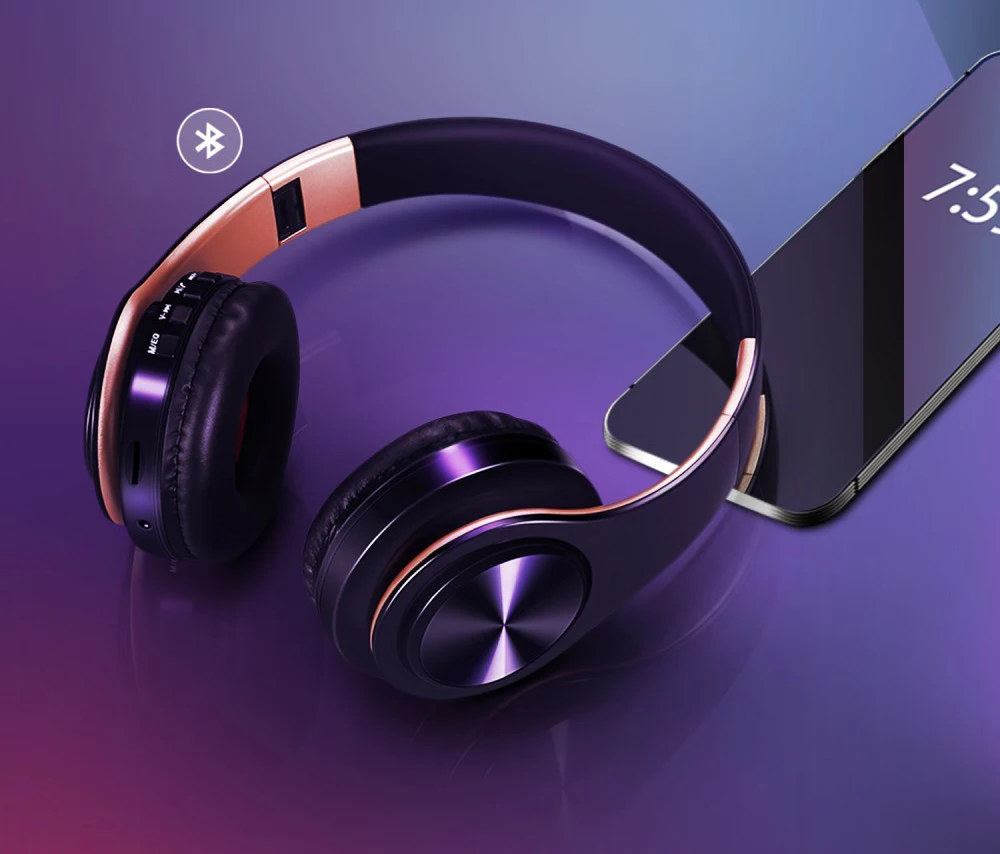
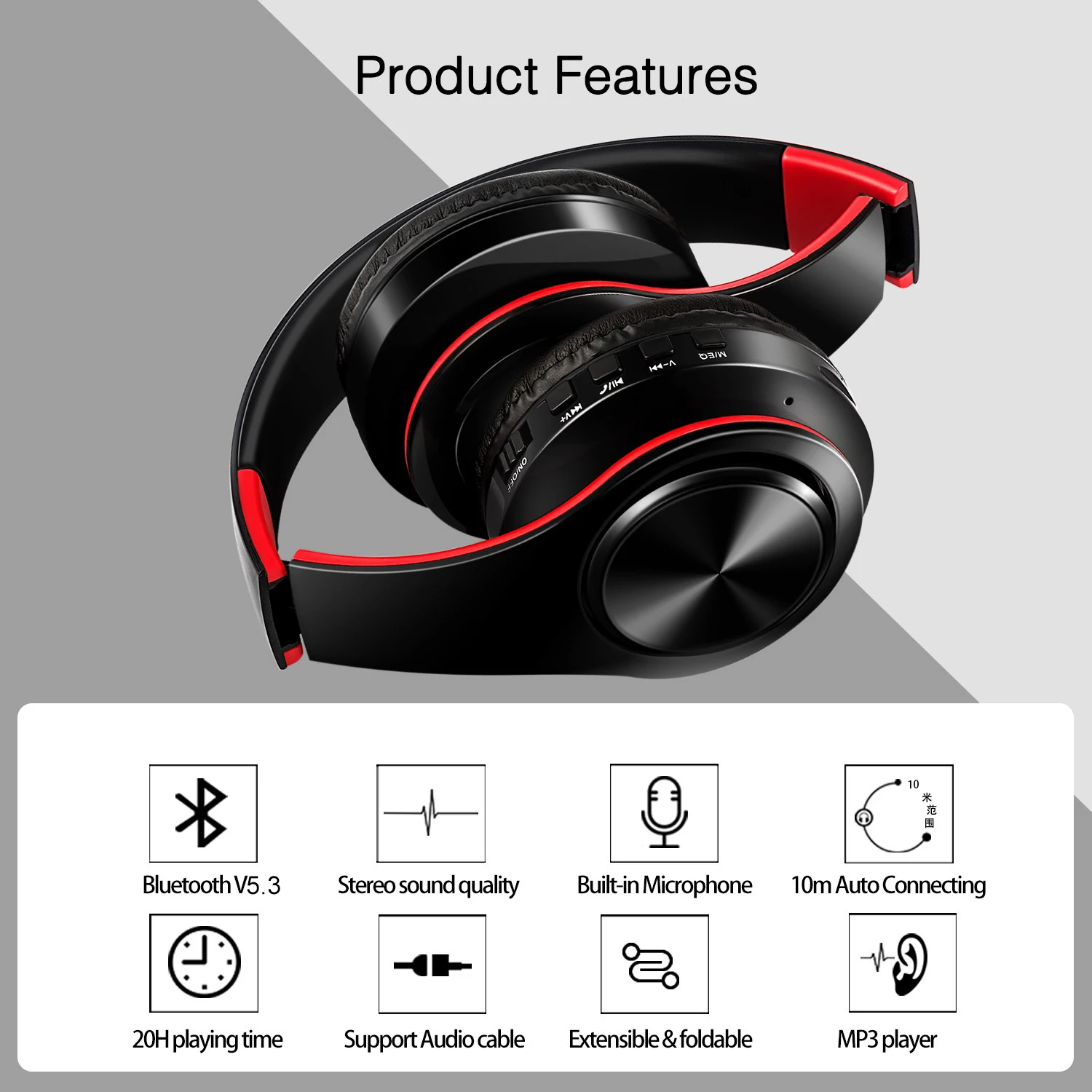
1> Multi-functional designer for diverse use: Bluetooth V5.3 + MP3 function + FM radio supports stereo music playback and phone calls…  

Supports all audio devices, as long as they have Bluetooth capability, such as mobile phones, tablets, laptops, computers, etc.  

3> 3.5 mm audio jack, provides a simple wired connection for a variety of devices without Bluetooth.  

4> I allow you to answer or reject phone calls at any time and from anywhere.  

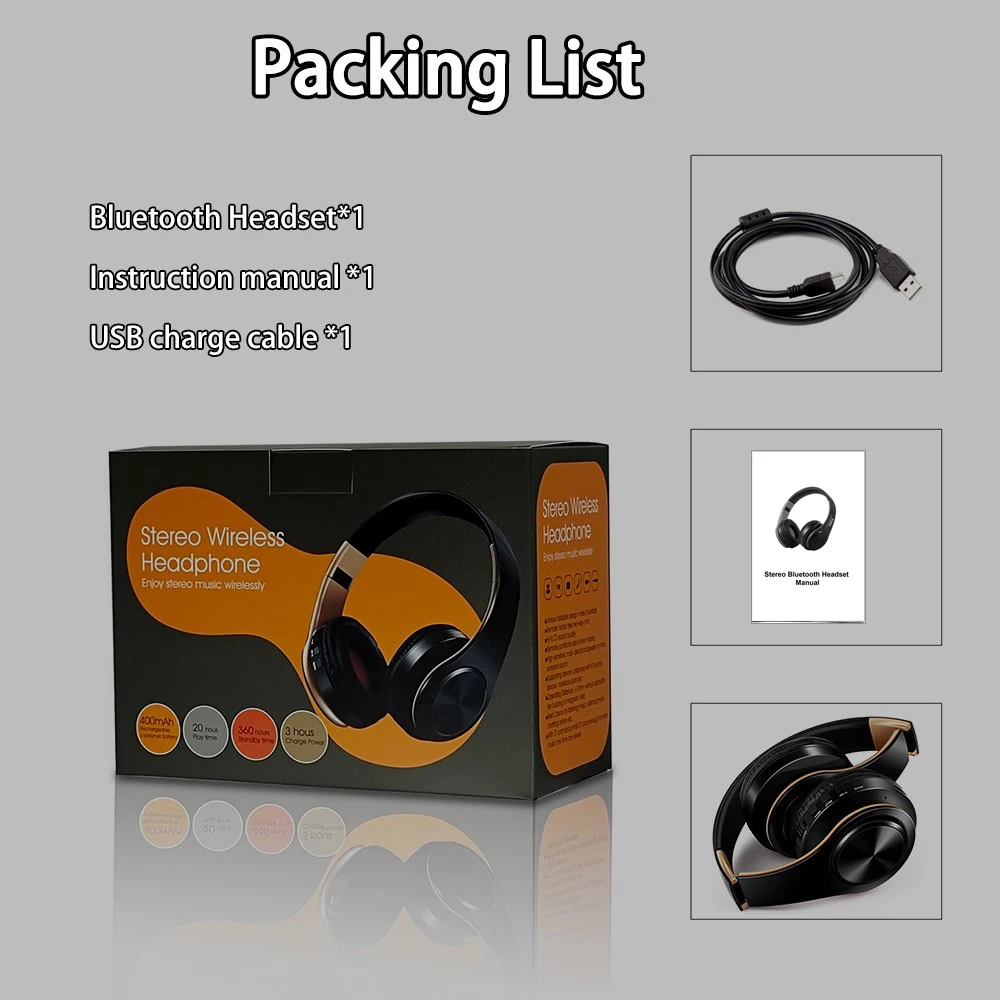
5> Built-in rechargeable lithium battery lasts up to 20 hours of music playback and 360 hours in standby mode.  

With a comfortable design, large ear cups for comfortable wear, lightweight without pressure on the head. The headphones with foldable and adjustable hinges are the best choice for travel, sports, and daily use by children of both genders, teenagers, and adults.  

Specifications:

1> Bluetooth version: V5.3  

Frequency: 2.40 GHz - 2.48 GHz  

3> Power: ≥ 4 decibel milliwatts, class 2  

Effective range: 10 meters  

Frequency response: 20 Hz - 20 kHz  

6> Bluetooth support: A2DP 1.2, AVRCP 1.0, HSP, HSF 1.5  

7> Voltage: 3.7VDC (Built-in rechargeable battery 400 mAh)  

8> S/N ratio: 70 decibels  

9> Operating time: 20 hours, charging time: 2.5 hours, standby time: 360 hours  

10> Charging port: 5-pin micro USB charging interface  

11> Operating temperature: -4 ~ +131°F (-20 ~ +55°C)    
Se7bbeb6f27a14efc8c3bc92eaa72551eg.jpgS6522bf034bcb419c8862845c7ce3271eY.jpgSf278b88e35474234a323f8c9af9e266cf.jpgS783c13c7d1a94315b70fe6ddbf8284c8z.jpg
 

S4735dd25e78f45498e1efe0522bfe220t.jpg
 

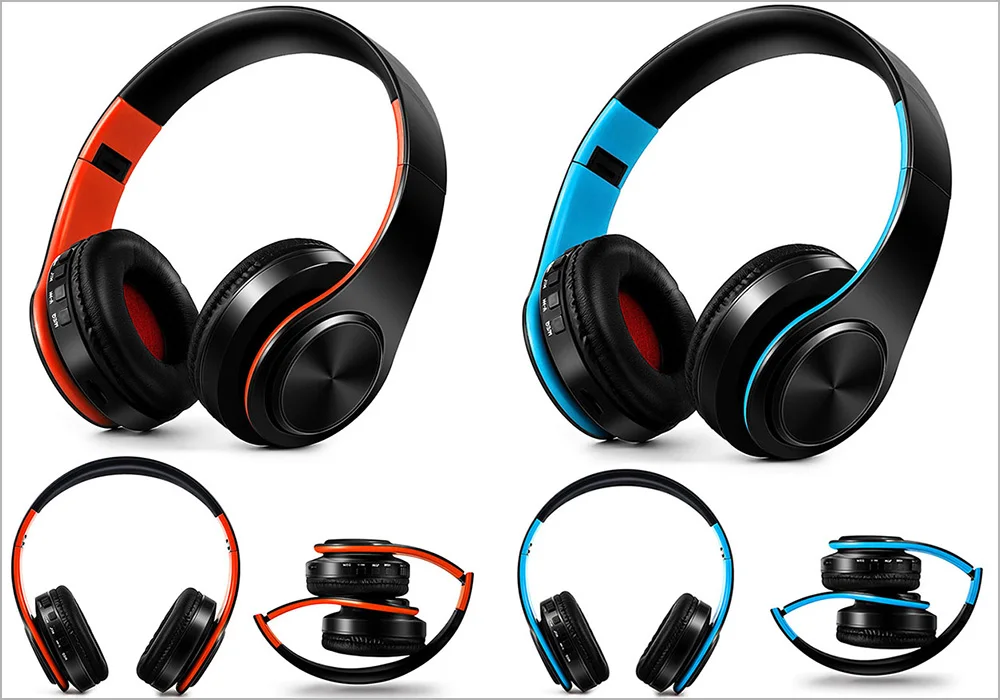
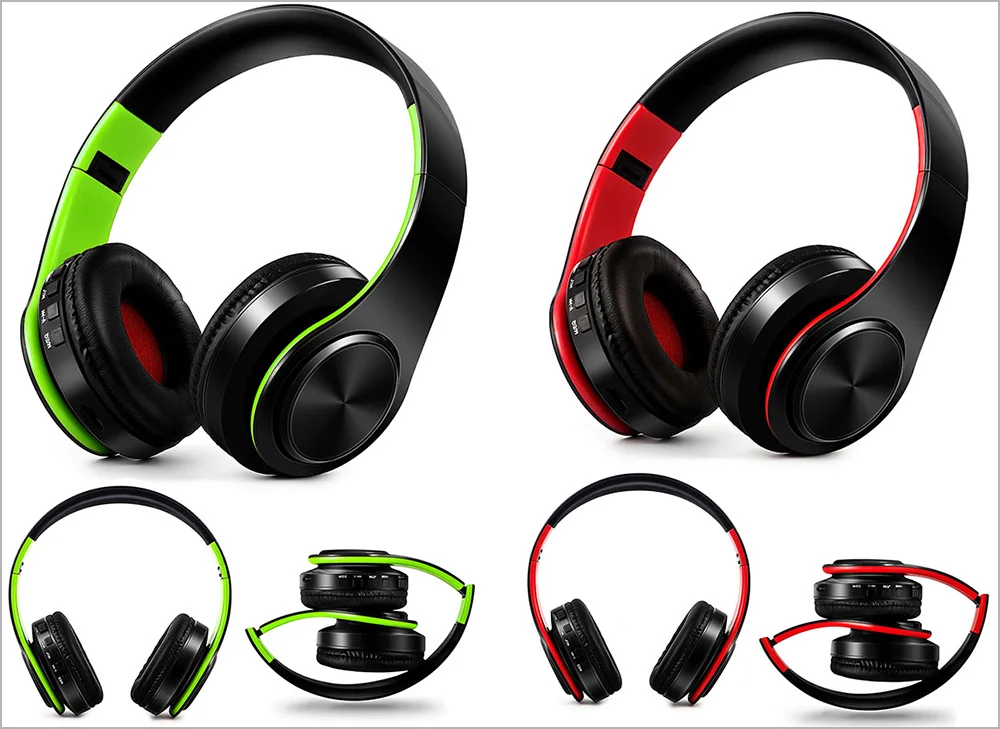
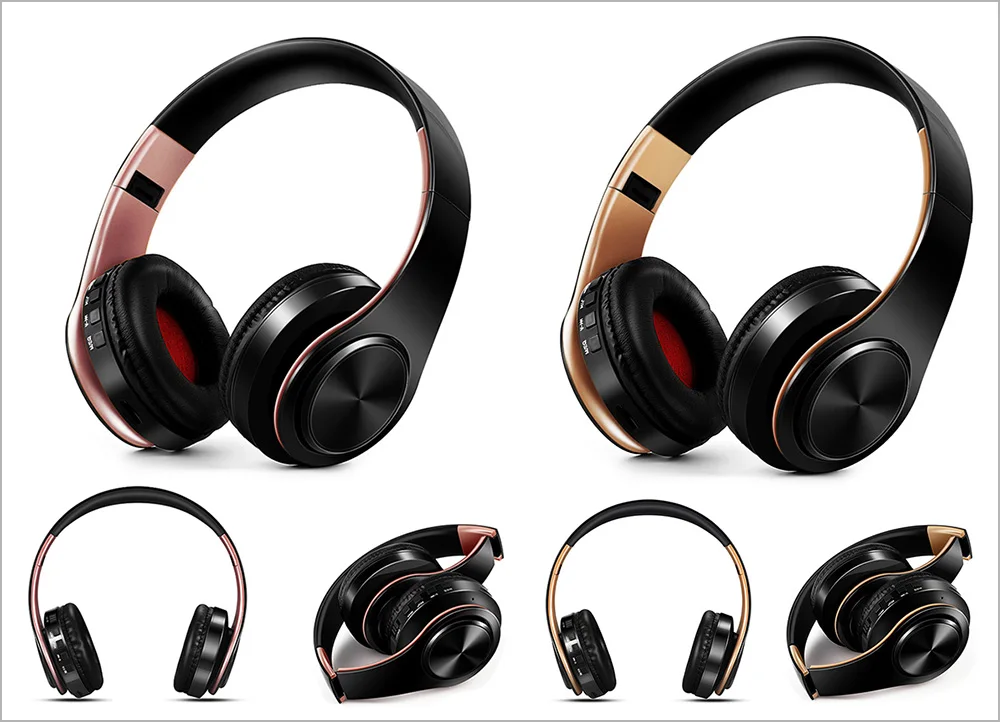
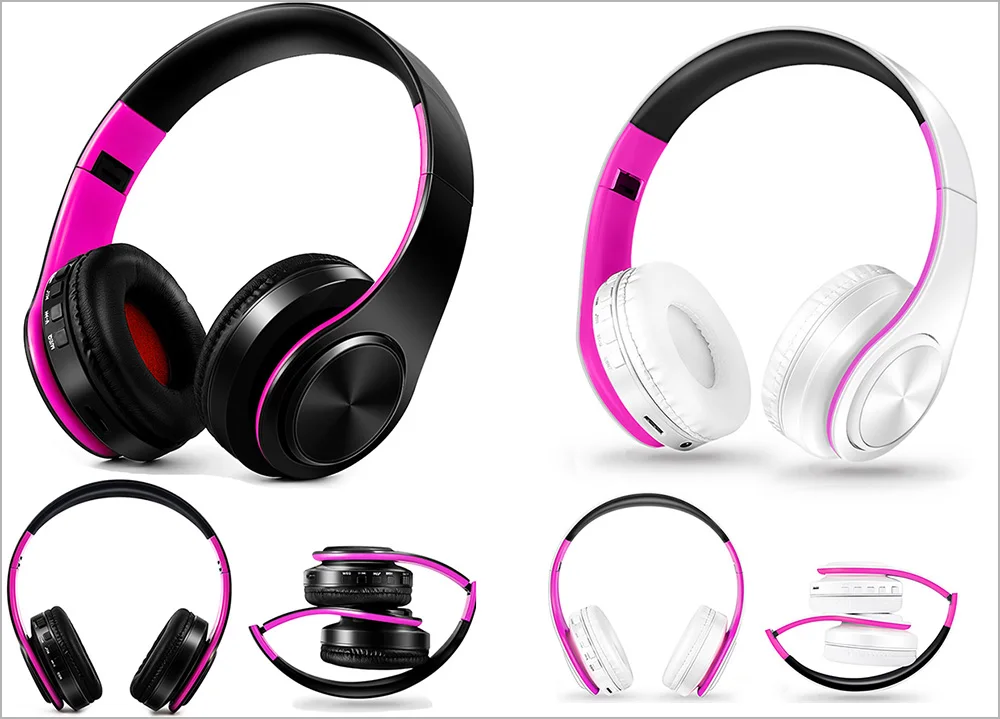
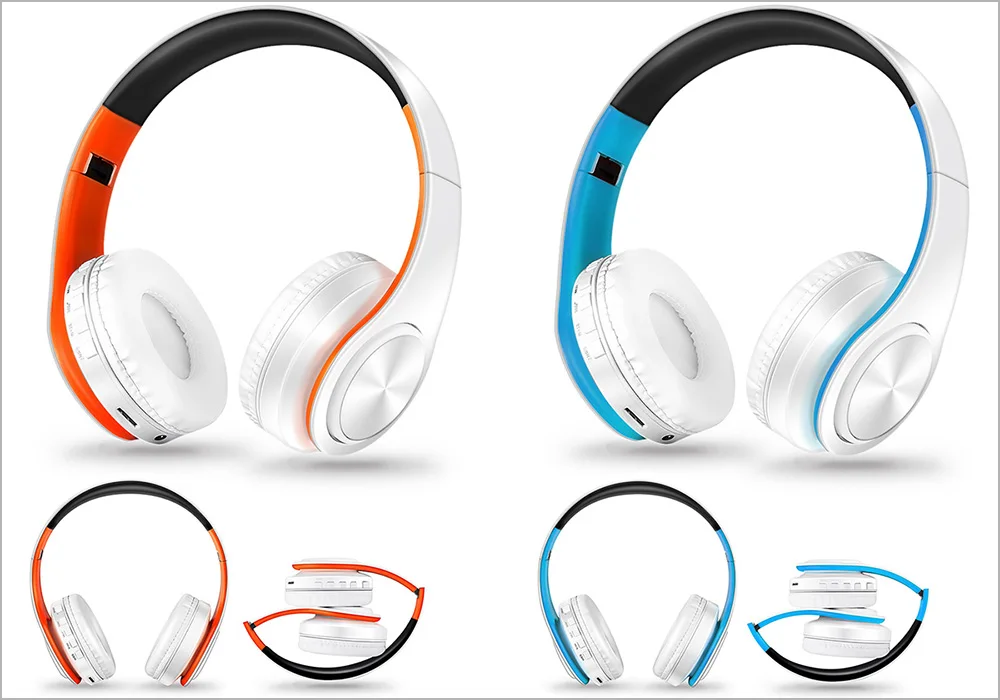
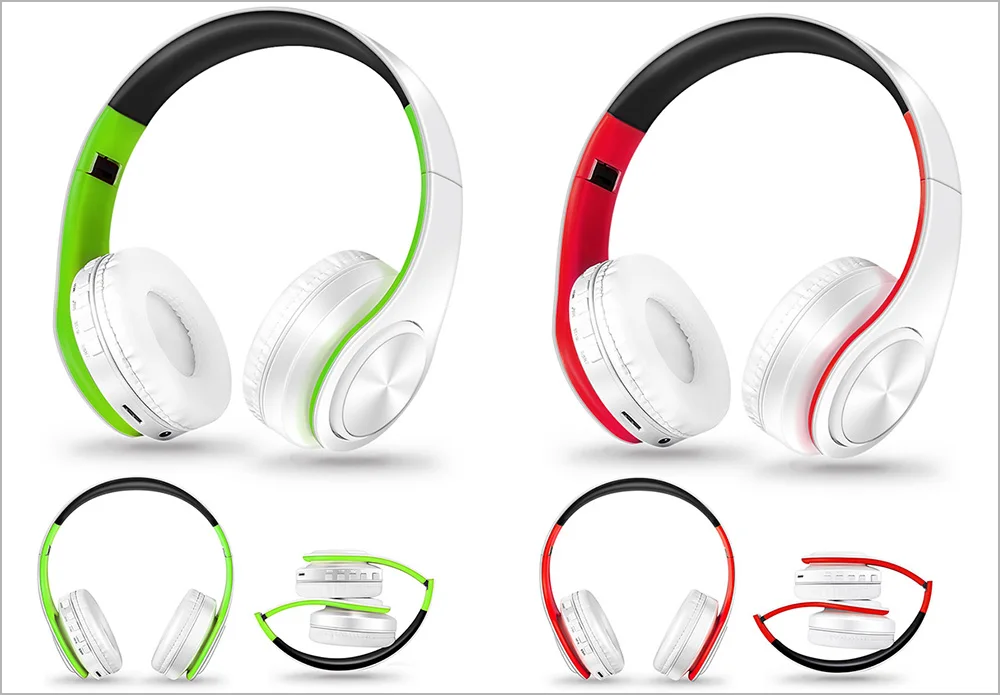
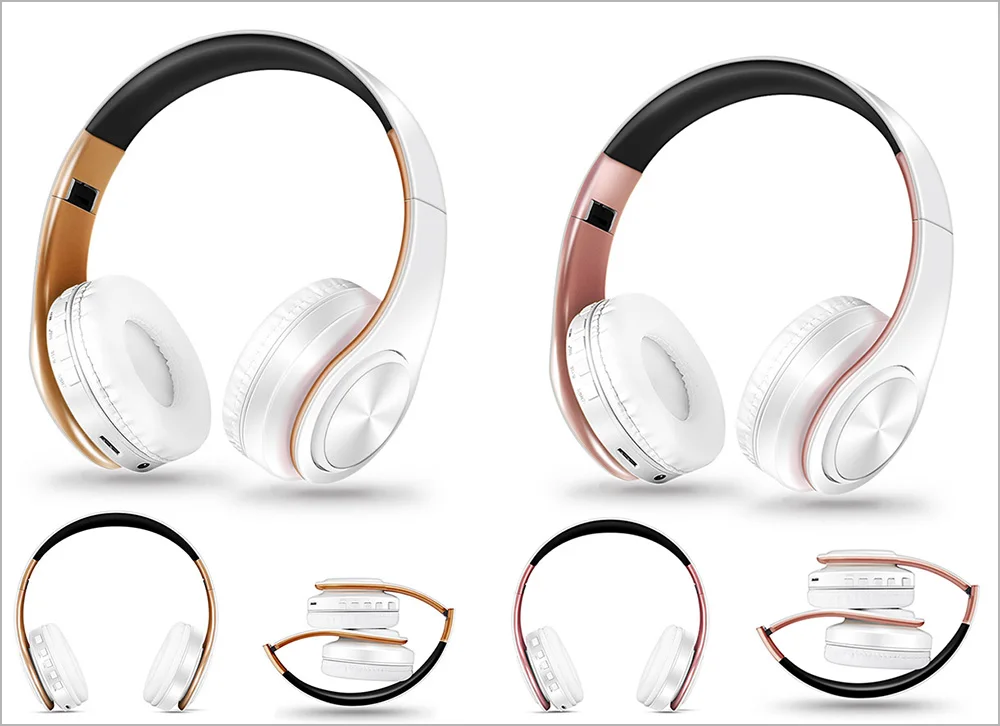
A variety of color options:

Red Black Blue Black  

S8ee7771238cf4d93b60ec4190b3fc613V.jpg

Green S61821c0a1b174b208e5f9070967b14d8e.jpgRed Black  

Ruzgoldblack Zahabiblack    
 

S0586b0e22cef4942aa42870aadaa7d65O.jpg

Black pink white  

S1517c4fa1d034343af8d52159d788926l.jpg

Orange White Blue White  

S13b9e592b15b4b928728d21cb3c10aa4c.jpg

Green White Red White  

Sccbdc5230db54ed29bd32e993662a276E.jpg

Gold White Rose Gold White S47962073d46a42d08af6e4074de61255b.jpg
Instructions:  
1. How to charge this headset?       

Connect the computer and the headset using a USB cable.  

2. How to turn on the headphones and listen to music on the computer?       

Please make sure that your computer has Bluetooth functionality and that Bluetooth is turned on, then press the power button on the headset and you will see the blue light flashing, ready to pair and search until connected. Use your computer to start playing music and enjoy it with the headset.  
 
3. How to connect a Bluetooth headset to a mobile phone?       
1. Turn on Bluetooth on your mobile phone, and press the power button of the headset; you will see the blue light flashing and prepare for pairing, searching, and pairing until the connection is established.  
If someone calls you, just press the 'End Call/Pause' button, and you can chat with your friend on the phone. After finishing your conversation, just press the 'Resume/Pause' button, and you can continue listening to music.  
 
4. How to use the FM function?       
Just press the MEQ button on the headset and it will switch to FM mode, press the 'PAUSE' button to automatically scan the radio, and briefly press 'Volume+' and 'Volume-' to select the scanned radio.  
5. How to use the MP3 function?  
Just insert the TF card into the slot, and the music will play immediately. (We do not provide a TF card)     

Add your review

Your email address will not be published. Required fields are marked *

Please login to write review!

Upload photos

Looks like there are no reviews yet.

Your experience on this site will be improved by allowing cookies.