Professional Smart Lamp Guide
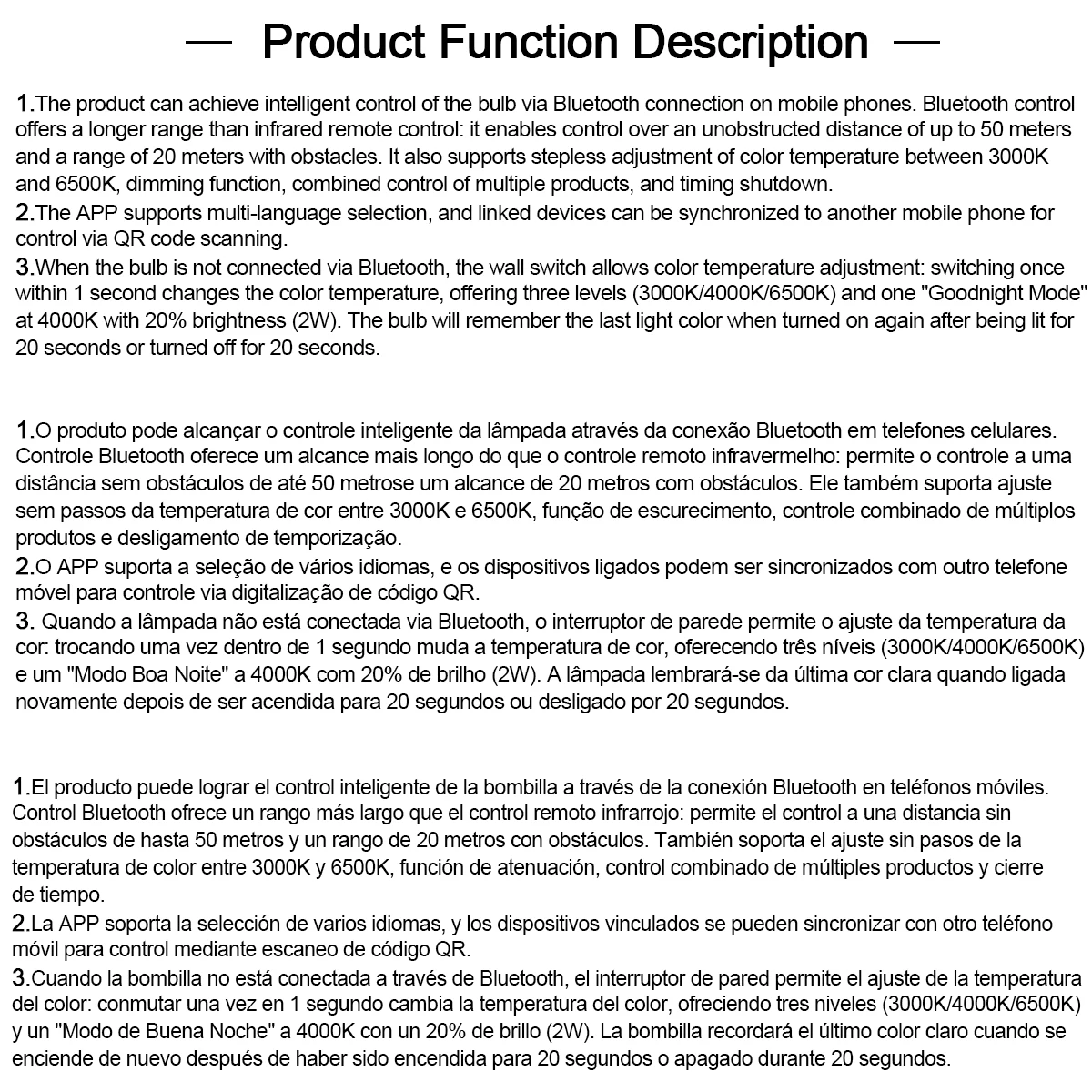
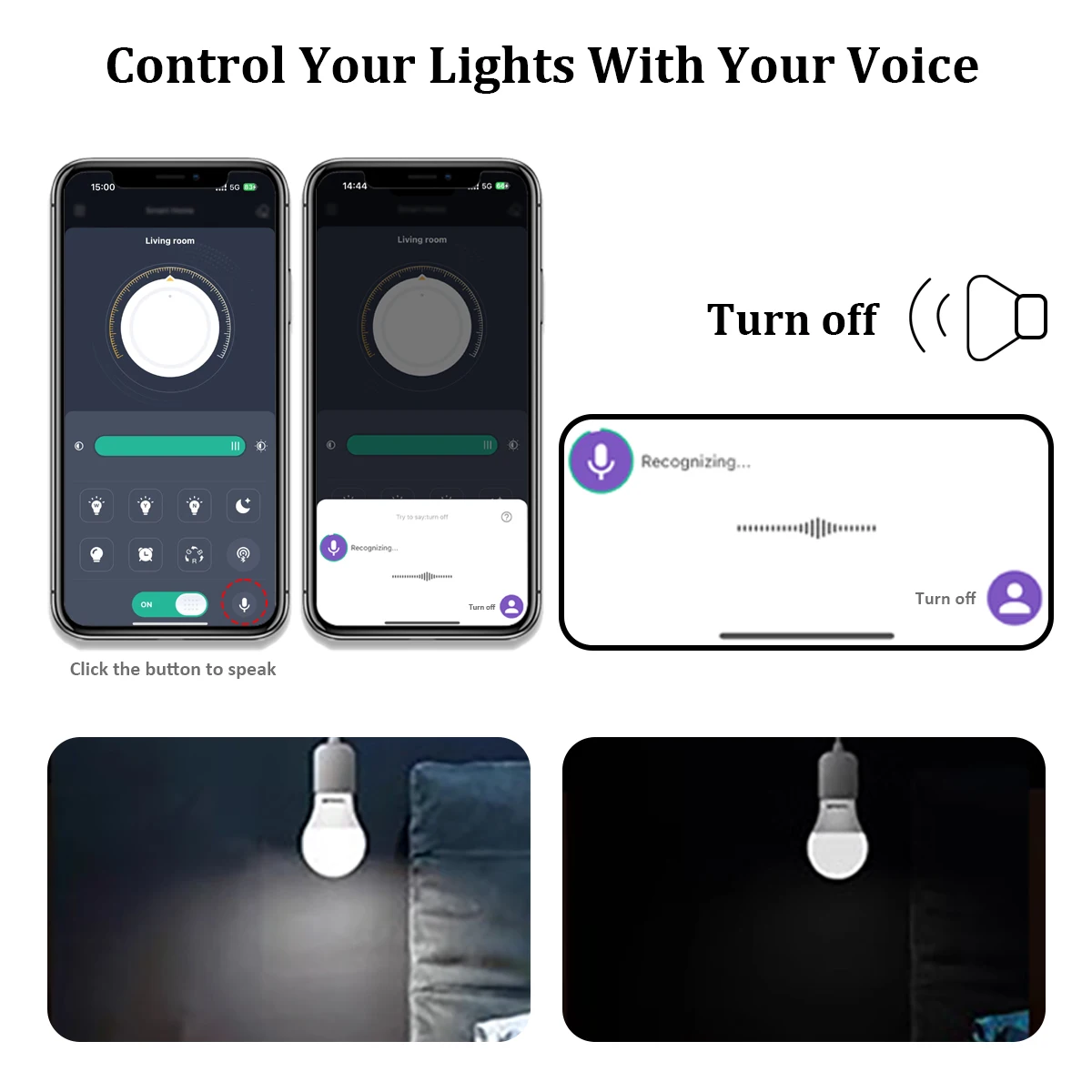
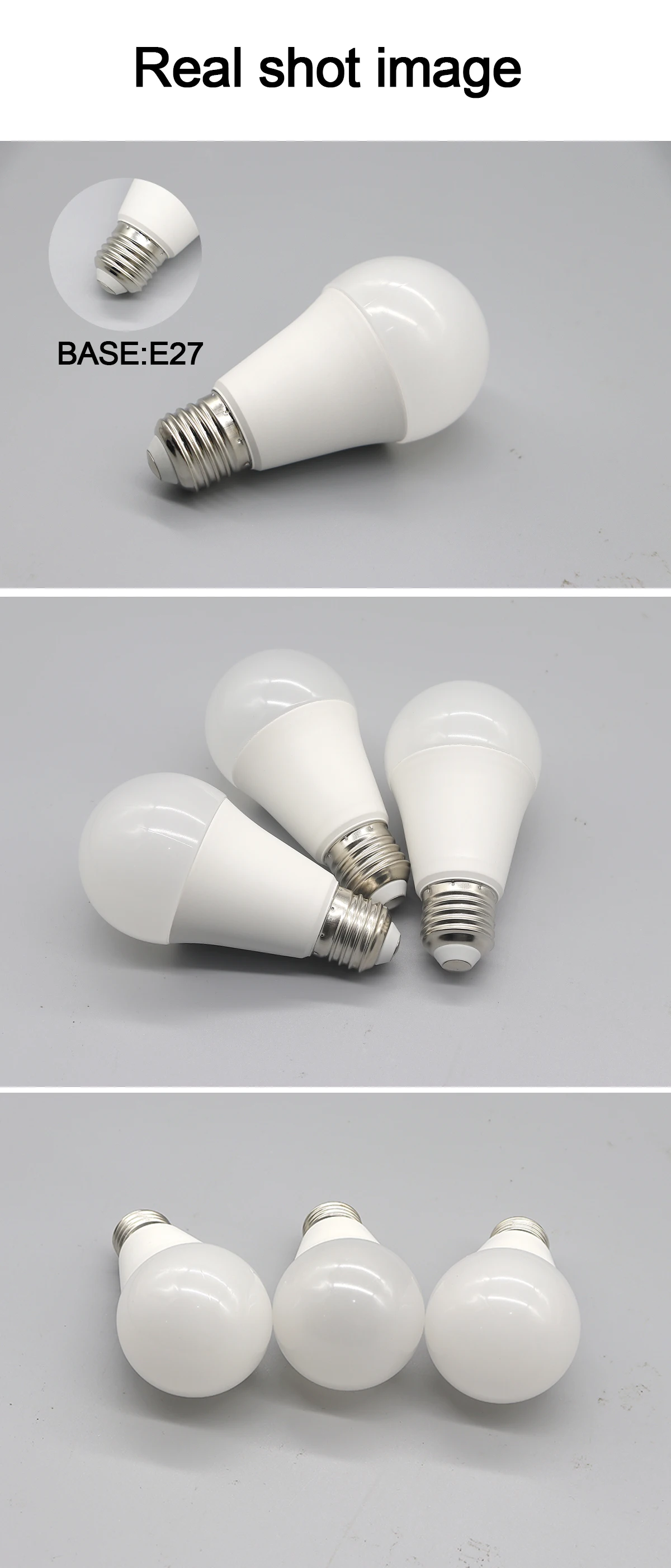
Smart Light Pro is a mobile application specifically designed for controlling lighting. Through this application,
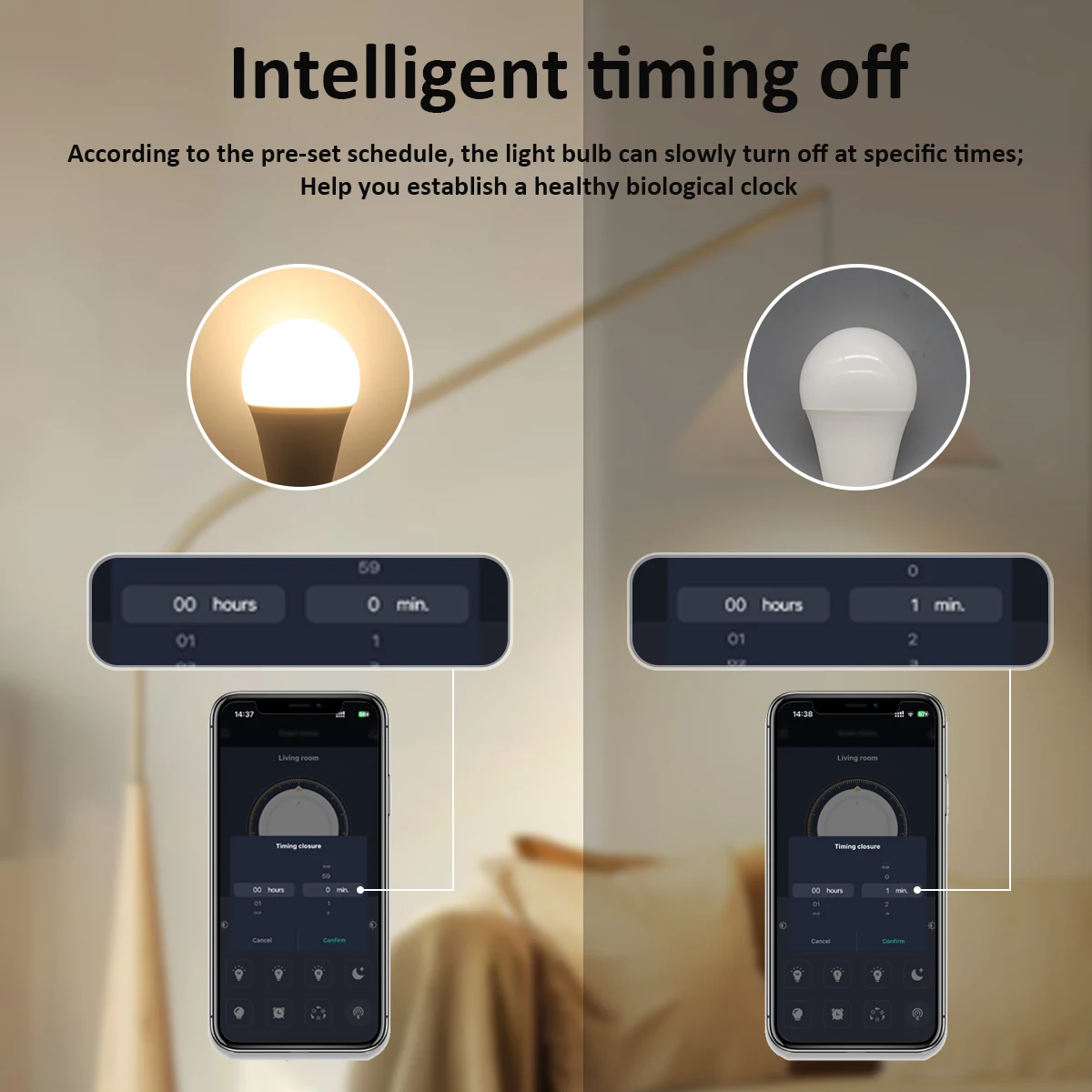
The key, brightness, color temperature, and other lamp settings can be adjusted.
The application and the light bulb are controlled via Bluetooth, but the user does not need to search in.
Bluetooth for pairing, and the new pairing mode has been adopted, which is comfortable and fast, and significantly so.
It improves the user experience for the user.
Download method
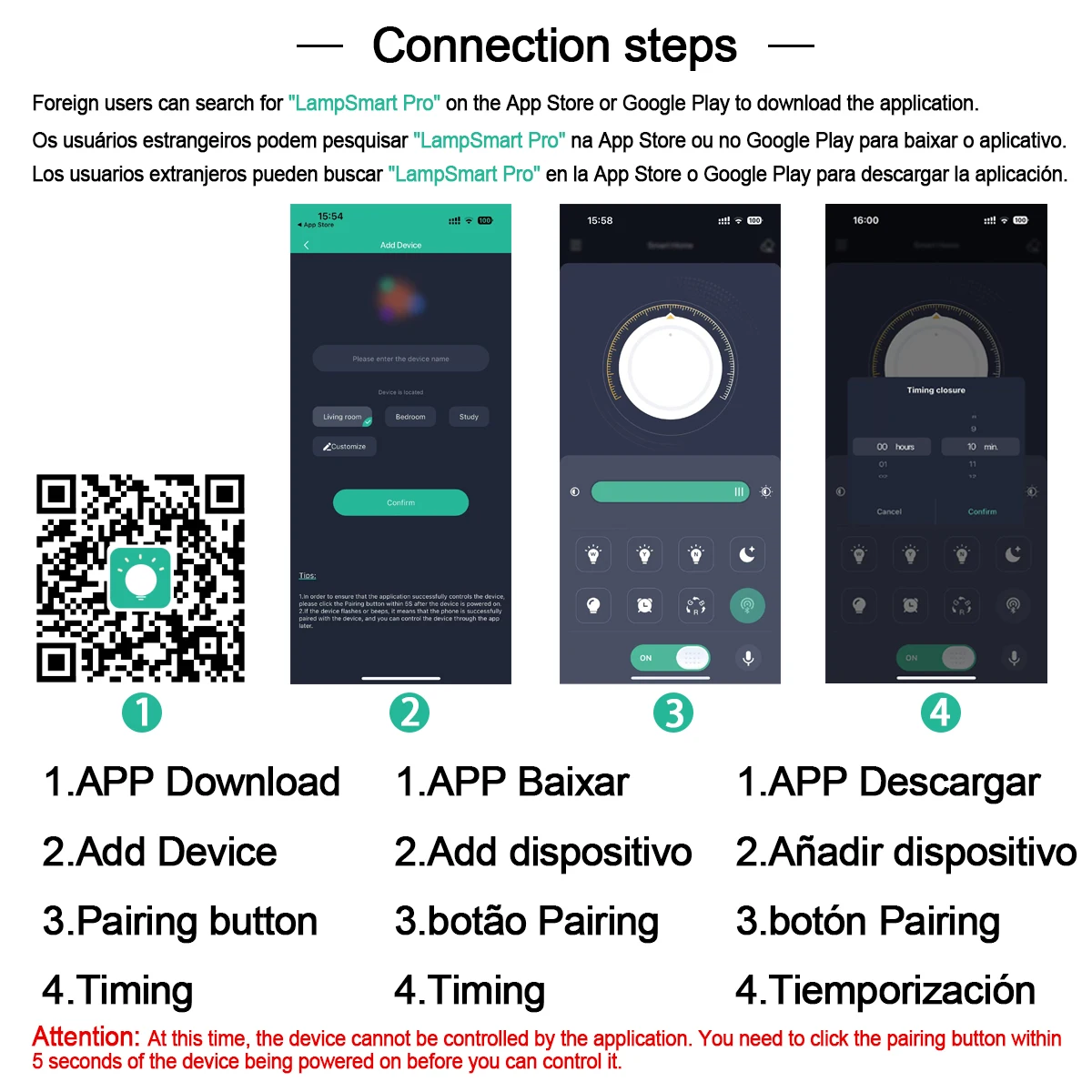
1. Scan the QR code download.

Download the app store
Users can download the apps from the App Store or search for 'LampSmart Pro' on Google Play.
Use the steps
Step 1: Add Device
There is no device in the room when opening the app for the first time. You need to click the 'Plus' button.
At the bottom of the app to add a device. Enter the device name on the add device page and then click 'OK'.
Button.
The page now looks as follows:

Note: At this time, the application cannot control the device. You need to click the pairing button within 5 seconds.
Seconds after turning on the device.
The upper left corner is the menu button, which can be clicked to open the menu.
The upper right corner is the clear code button. If the light flashes after pressing the clear code button.
In 5 seconds after turning on the lamp, the application will not be able to control the existing lamp.
The future.
General control: When there is equipment in the room, all the equipment in the room can be controlled through it.
Page. Using the above shape as an example, all devices in the living room can be controlled.
Equipment card: Click on the card to access the equipment control page, then press and hold the card to delete it.
The device or modify the device name.
Step 2: Pairing
Click on the equipment card in the app to enter
Equipment control page.
Menu description
Click on the menu button at home.
Page to open the menu page. As shown.
In the following figure:
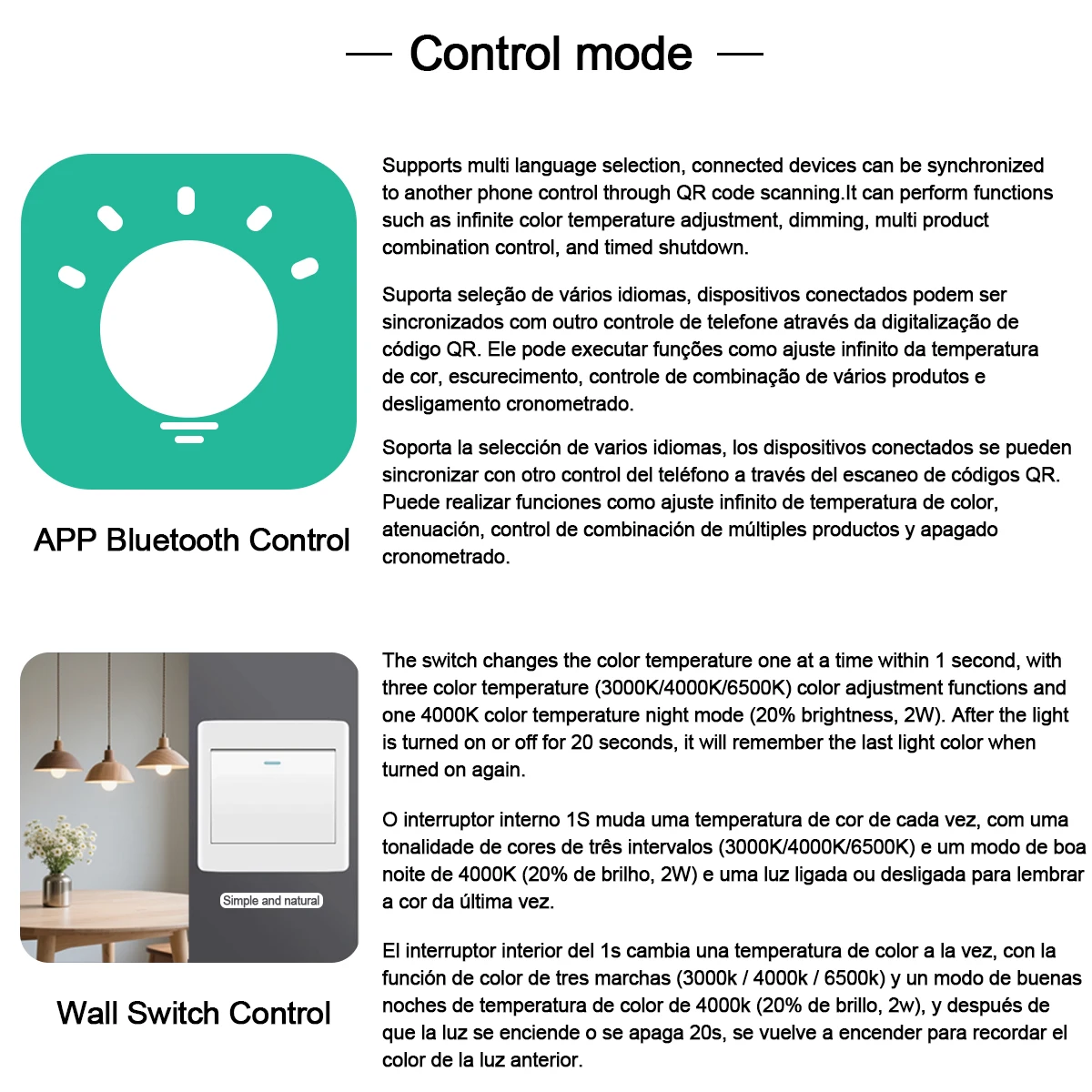
 Language:You can choose to switch the app language.
Overwhelming:The application's QR code information can be scanned. After success.
Scanning, device information related to the scanned application can be synchronized with
The mobile phone, so that multiple mobile phones can control one device.
My QR code is:To provide the device information specific to the application in the form of
QR code, for sharing the device information related to my application. The room.
Management:Rooms can be added, deleted, and modified.
Usage instructions:Explanation of how to use the application.
Check for updates:Updates can be applied to the latest version.
Reactions question:Send us your comments or requests via email so we can provide the best.
The service.
[The End]